Daylight Saving “Set-It-and-Forget-It” Tech Check for LBI Vacation Rentals (Locks, Wi-Fi, Thermostats)
Every year around Daylight Saving Time (“spring forward” in March), LBI vacation rentals get hit with the same trio: guests can’t get in, the Wi-Fi is down, and the thermostat is outsmarting everyone. This LBI rental tech check takes about 20 minutes and helps keep June–August stays smooth, even during peak turnover. A fast, annual systems check fixes most of it.
Think of this as your preseason tune-up—handle it now so your June–August turnovers stay smooth and drama-free.
The 20-minute “no drama” tech audit
Set a timer. Walk the home like a guest: driveway → entry → living space → thermostat. Fix anything that would make a normal person pause.
Smart locks
-
Codes: Use unique, time-limited codes per stay. Remove old codes.
-
Test it: Lock/unlock from outside on the door guests actually use.
-
Batteries: Replace proactively and keep a labeled spare set on-site.
-
Backup plan: Have secure, non-Wi-Fi backup access (and make sure everyone who needs it knows where it is).
-
Failure script: Write a 3-step “try this first” note for guests plus a contact number for help.
Wi-Fi
Wi-Fi is no longer “nice to have.” It’s the guest experience.
-
Guest network: Separate guest Wi-Fi from owner devices and smart-home gear when possible.
-
Secure the router: Change default admin passwords, use strong encryption, and turn off remote admin features you don’t need.
-
Placement: Keep the router/modem central and elevated. If the home is long or multi-level, consider whole-home coverage.
-
Reboot card: Near the router, post simple steps for a power cycle (unplug, wait, plug back in) and what normal indicator lights look like.
Thermostats (comfort + humidity)
This is where summer complaints are born—get settings right now so you’re not troubleshooting comfort and humidity during peak weeks.
-
Set limits: Add a reasonable min/max range so guests can’t push the system to extremes.
-
Use schedules: Pre-cool/pre-heat before arrival, then allow adjustments within your range.
-
Humidity matters: In warm, damp months, shutting systems off completely can invite musty odors and moisture problems. Aim to keep indoor humidity controlled (generally no higher than 50%).
Outages (power + internet)
-
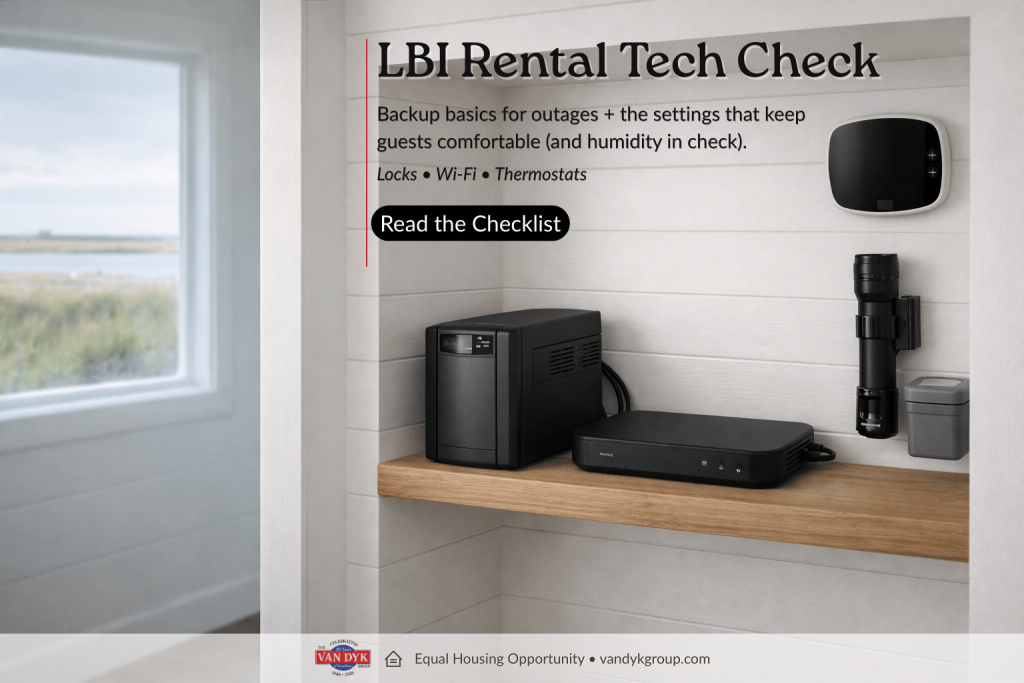
One printed page: “If Wi-Fi is out” steps, “If power is out” steps, flashlight location, and how to reach help.
-
Safety first: If a generator is available, include clear guidance about carbon monoxide risk and safe placement.
-
Food basics: Remind guests to keep refrigerator/freezer doors closed during an outage and to discard perishables if the outage is extended.
What to document
Make a one-page “Tech Cheat Sheet” for you, cleaners, and vendors:
-
Device list + locations (lock, router/modem, thermostat)
-
Reset steps (short and specific)
-
Battery types + where spares live
-
Contact list + escalation order
If this checklist made you realize your “tech stack” is basically a collection of good intentions and half-remembered passwords, you’re not alone. A lot of owners only discover the weak spots when a guest is standing outside… and it’s already dark… and you’re 4 hours away.
If you’d rather have a local team help you dial in access, Wi-Fi reliability, thermostat settings, and the documentation that keeps everyone sane, take a look at our Vacation Rental Services for Owners: https://www.vandykgroup.com/realestatevacation/vacation-rental-services-for-owners/
Last Updated on March 4, 2026